
Overview
Lupasafe allows you to customize the platform with your own branding, ensuring all communications to your clients reflect your company's identity.
How to Configure Branding
Accessing Branding Settings
- Navigate to Branding in the menu
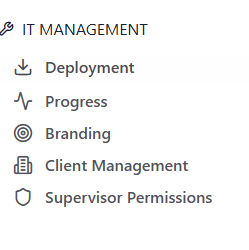
- Here you can customize the following elements:
- Company logo
- Brand colors
- Company slogan
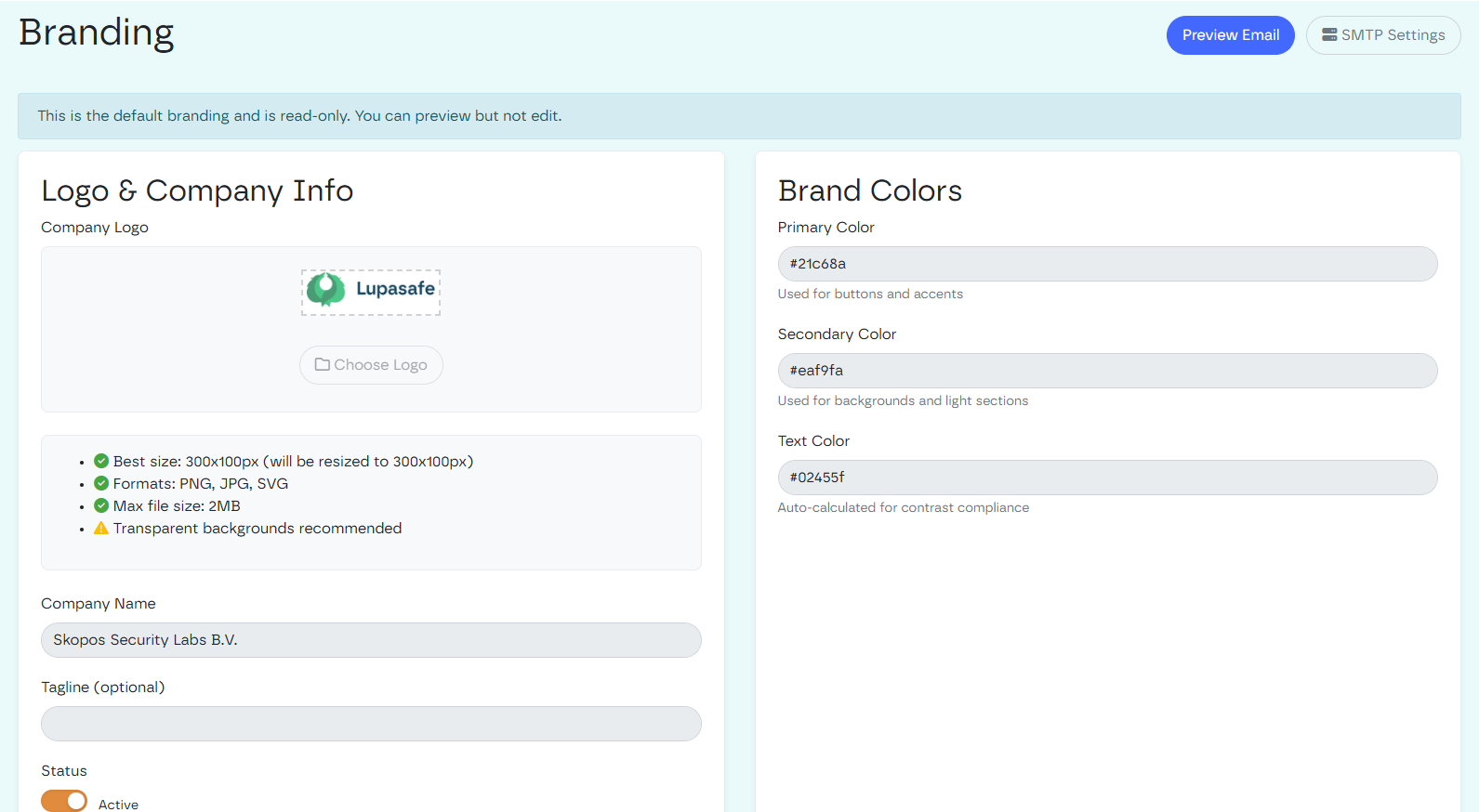
- For ´Email domain´ (the domain from which emails will be sent): click in the right upper corner on the button ´SMTP settings´
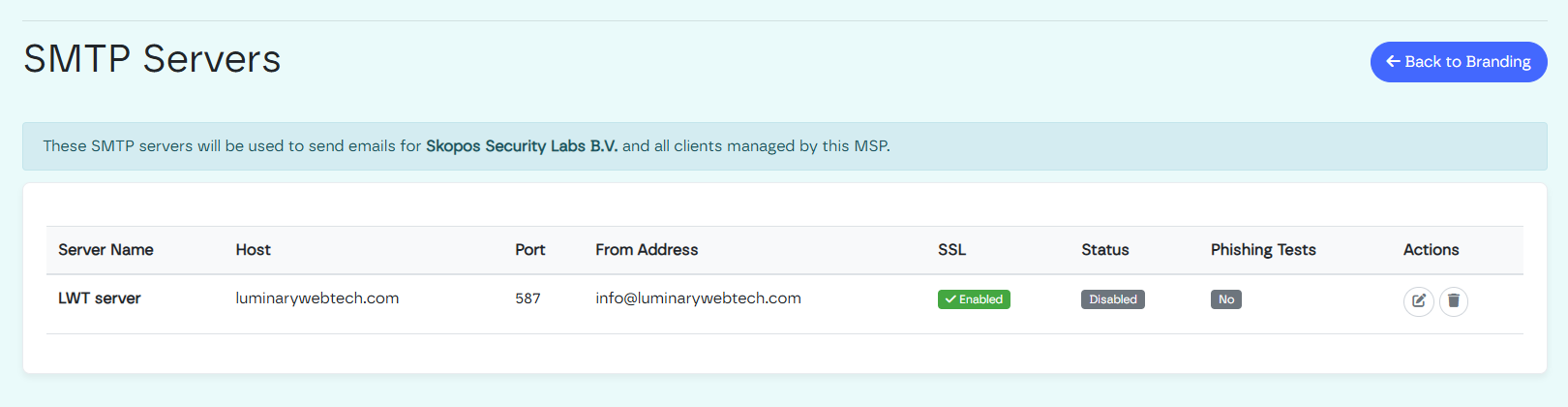
Here, you can enter the domain from where you want to send out the emails.
If status of the branding is ´active´ the branding will be applied to you and all of your clients´ communication.
What Gets Branded
Once you've configured your branding settings, the following elements will automatically use your custom branding:
- E-learning emails - Initial course notifications sent to users
- E-learning reminder emails - Follow-up reminders for incomplete courses
- E-learning score emails - Results and completion notifications
- E-learning platform - The learning environment itself displays your branding
- Reporting emails - Automated report notifications
- Reporting dashboards - Reports and analytics display your brand identity